
I met up with a few people from Google at the Encore Villas during CES (which is just 2,500 feet from my hotel but took 28 minutes to walk to, thanks to Vegas’s pedestrian-averse design [also I got lost]). Once there, I saw what “more Gemini” will mean for people with a Google TV.
The AI integration ranged from useful to probably unnecessary. The most useful bit, for me at least, came at the end. It’s admittedly a boring, but now you an adjust your TV’s settings just by talking. In the demo, Salahuddin Choudhary, Google’s Gemini for Android product lead said, “Can you boost the dialogue?” and Gemini changed the mode accordingly, without leaving the golf game he was watching. I asked if it could turn off motion smoothing, the first thing I adjust on a new TV (and sometimes other people’s). Yes, it can.
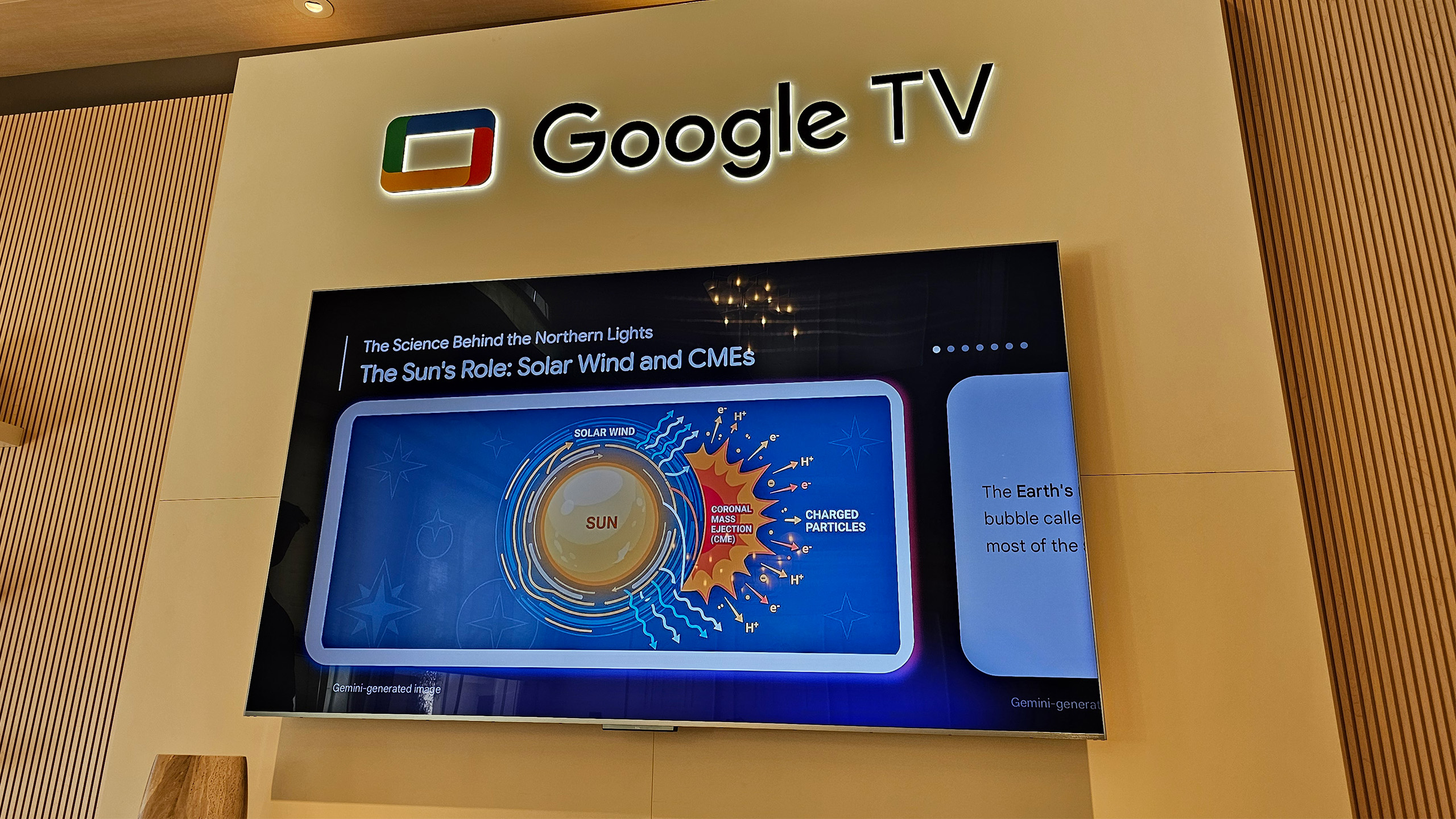
The “deep dive” Gemini feature could prove fairly useful, too. With it, asking for general information turns into a mini lesson on the subject, complete with generated images and narration. When Choudhary asked Gemini to “explain the Northern Lights to [his] eighth grader,” the screen filled with the standard Gemini answer: a brief definition and images and video tiles for further exploration. But a small Dive deeper button on the screen led to a narrated and illustrated tour of the science behind the phenomenon. My kid is at the age where he asks me questions I can’t answer about the fundamental makeup of the universe — maybe this could help.
Google Photos is getting a much deeper integration with Google TVs, too. Choudhary asked for pics from a trip to the beach and snapshots of happy people amongst the sea and sand popped up on the screen. One particular shot would make a nice screen saver, I was told, and he asked Gemini to give the photo an oil painting makeover using the Remix feature.
However, if you want your photo recast in a way not offered with Remix, you can use Nano Banana. Choudhary turned one of the personal photos into a cartoon just by asking. Using Veo turned the same image into an short (if slightly glitchy) animation of a person playing fetch with the dog in the photo.
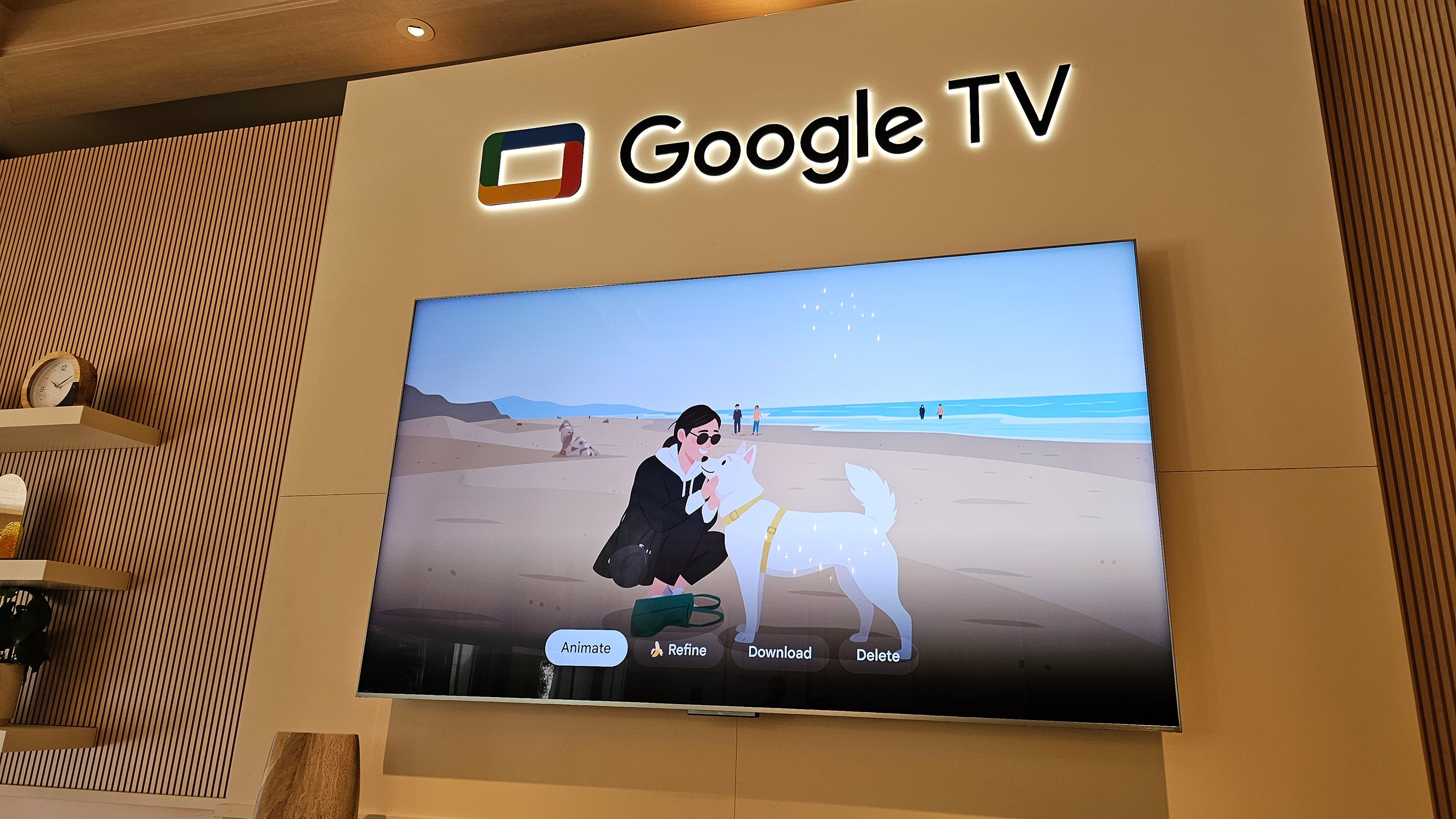
Your ability to generate video will depend on your Gemini subscription tier, but I was told a purchase of a Google TV device would include most of the other AI capabilities that I saw demonstrated.
I’d classify the photo manipulation and video generation as decidedly less useful that the other features, but my kid would probably get a kick out of messing with them for a while. For people who use Gemini a lot, being able to do so on the biggest screen in the house may appeal. Ditto for those who like seeing your Google Photos in a giant format. Some folks will appreciate the AI image manipulation and generation, I’m sure, but I’m mostly excited about the admittedly boring part of not having to leave a show to boost the brightness of a scene.
This article originally appeared on Engadget at https://www.engadget.com/home/home-theater/google-tvs-new-gemini-features-range-from-useful-to-unnecessary-222900001.html?src=rss